.webp)
.webp)
.webp)



%201.webp)



%201.webp)



%201.webp)


.webp)











WithU is the fitness and wellness app that helps you progress faster – at home or in the gym.
It creates smart workout plans around your goals, your lifestyle, and what actually drives you - fuelling your focus and helping you build consistency.
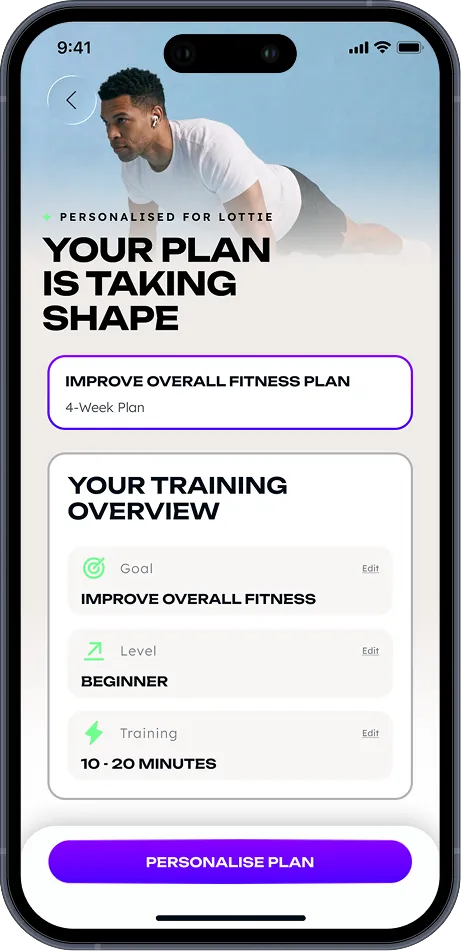
We build your personalised plan around four pillars: your goals, your experience level, your available time, and your preferred training environment - at home or on the gym floor.
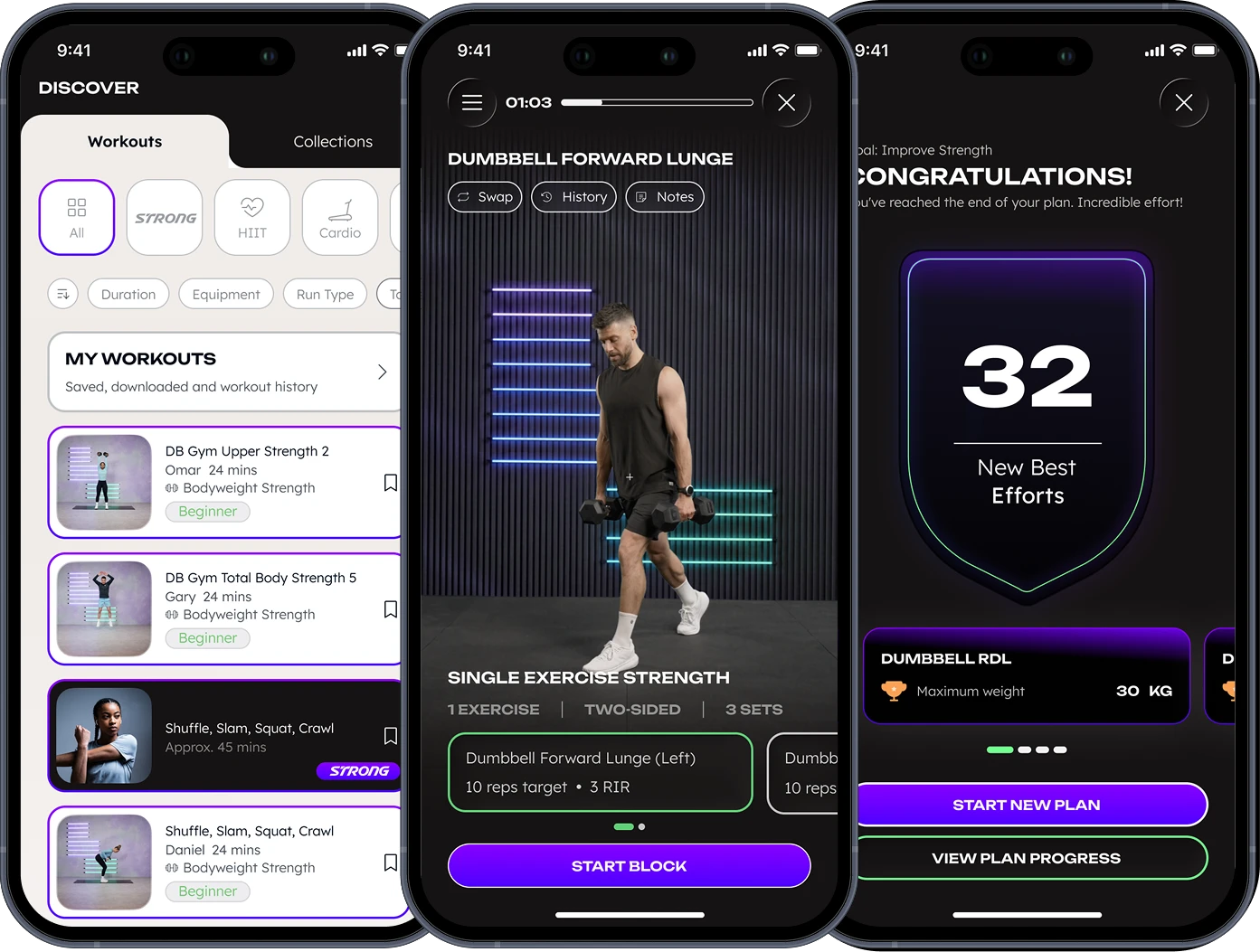
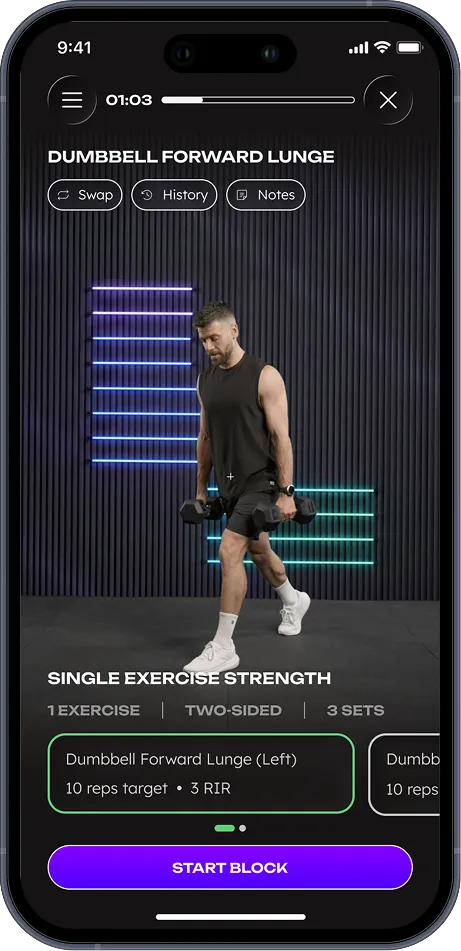
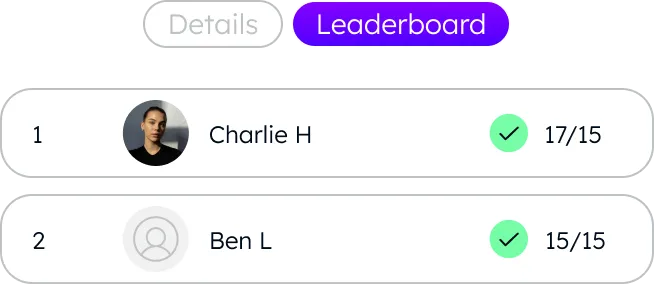
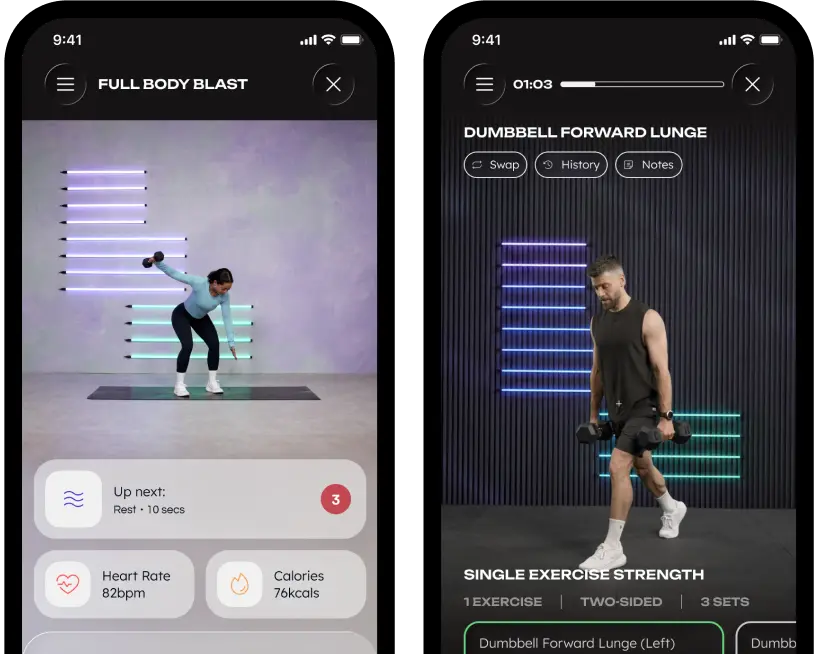
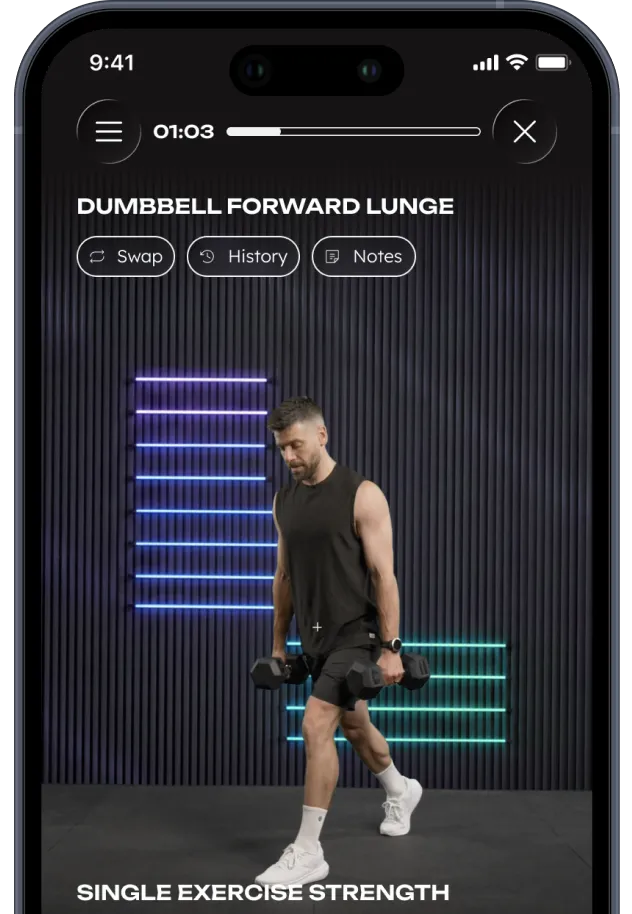
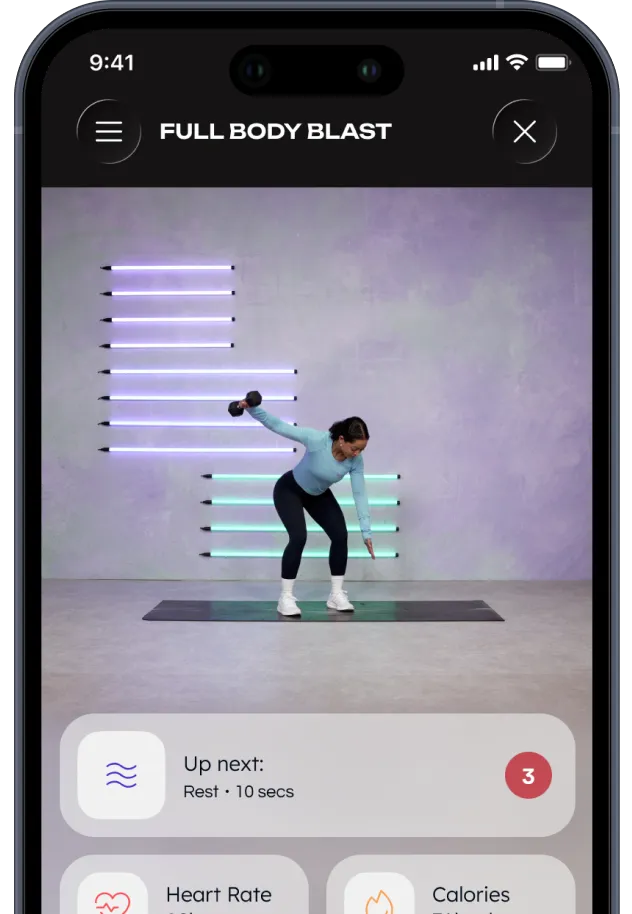
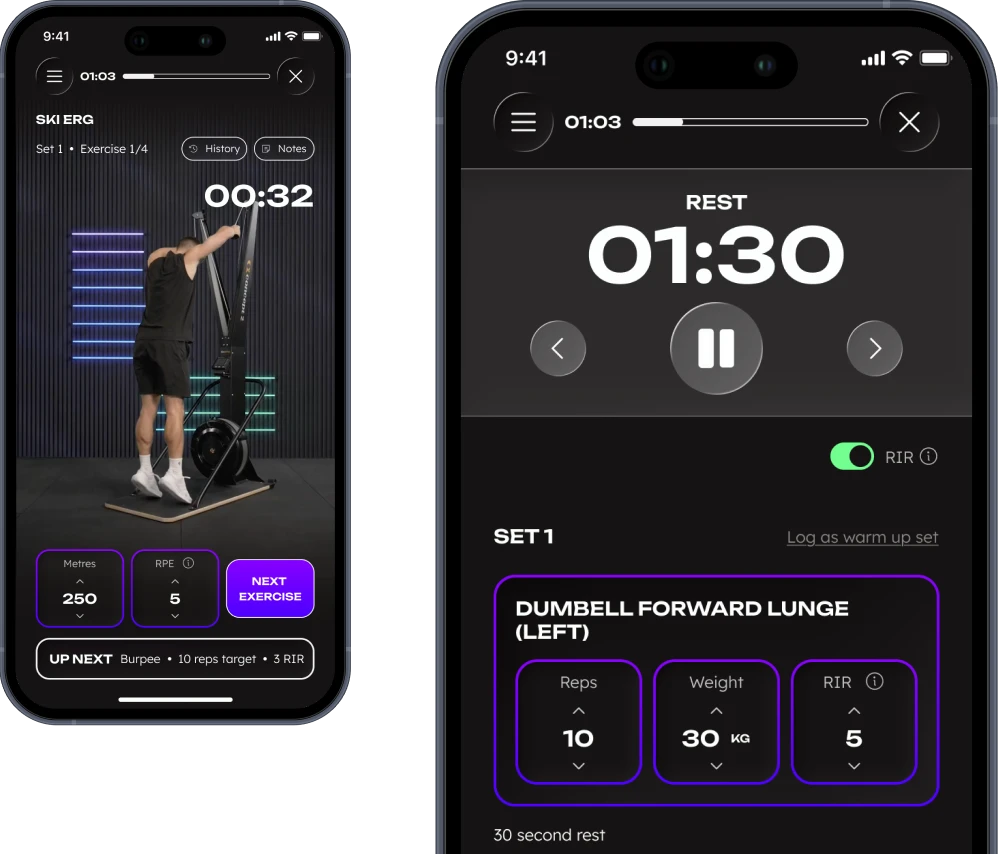
WithU Strong is WithU workouts, built for the gym. Combining personalised programming, an interactive workout player, and in-depth performance insights, it gives you everything you need to build confidence, hit your goals, and keep progressing right from the gym floor - whether you’re completely new to training or feel right at home with a dumbbell in hand.
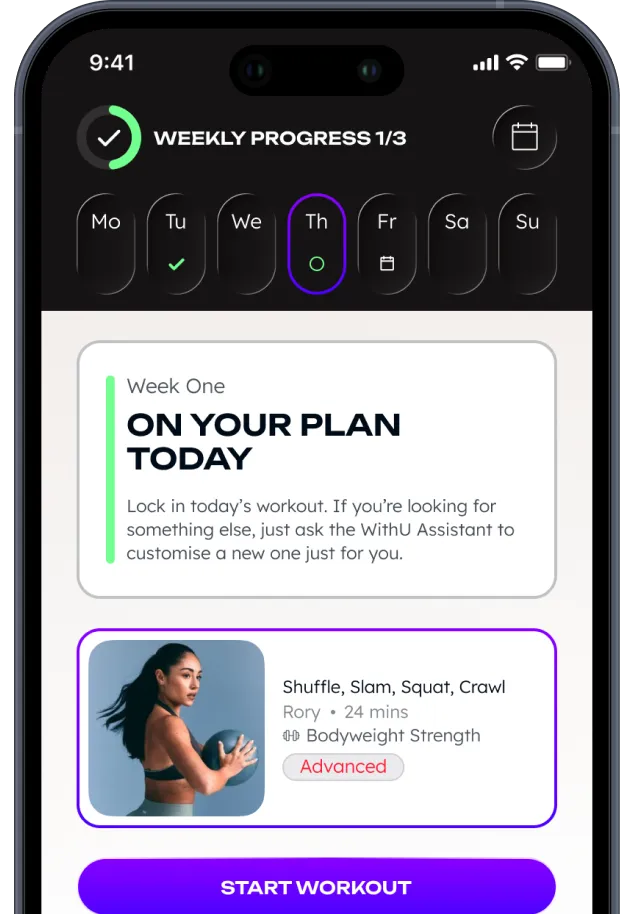
Your WithU plan is a personalised schedule built around your goal, fitness level, equipment, and availability. Each week includes expert-led workouts tailored to your goal - whether that’s strength, cardio, flexibility, or more.
We have workouts that cater for all levels, whether you are new to exercise, or someone who seeking more structure to their training. No matter your goal or level, we can create a plan for you.
Your scheduled workouts for the week will appear right on your homepage, so you can jump straight in. To see your full plan, just tap ‘View Plan’. Looking for something different? Head to the Discover section to explore new workouts, or ask the WithU Assistant for personalised recommendations.
At the click of a button you can interact with our AI assistant to make changes to your plan, or find answers to any general wellness/fitness related questions
Yes! You can swap a workout at any time. Just tap the ‘Swap Workout’ button next to that day’s session on your Home screen or in the ‘View Plan’ section. You can also ask the WithU Assistant to help you choose a different session that fits your mood, schedule, or energy level.
Yes, you can change your goal anytime. Just head to the ‘View Plan’ section and tap the pencil at the top of the screen to go through a new onboarding journey to create a new 4 week plan. Alternatively, you can ask the WithU Assistant to help adjust your plan.
For technical support, email support@withutraining.com or tap the ‘Help’ button in settings to contact our team via Intercom.